My app · Video editor for Android
Flight mode on. Film done.
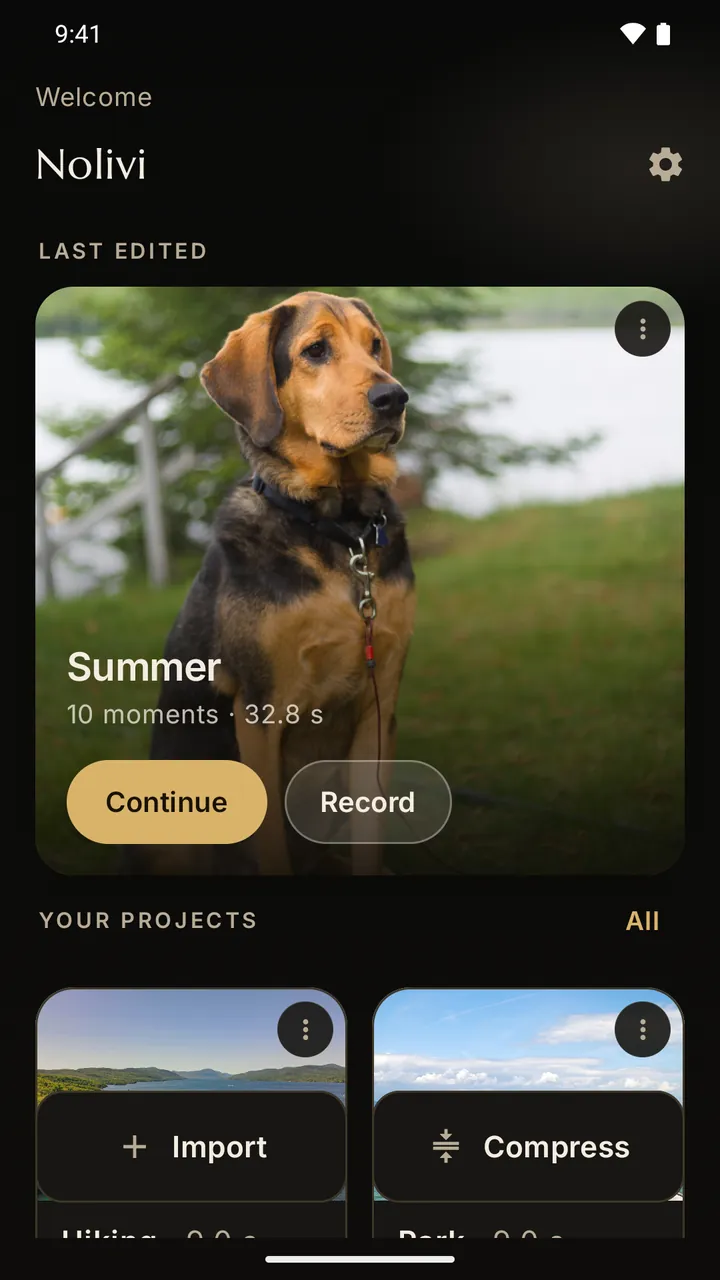
Nolivi turns your photos and videos into a story: trim, add text, music, filters and transitions. Editing and exporting work without the internet, because the app has no internet permission.
How it works
How Nolivi works
Four steps, all on your phone. Tap a picture to watch the real screen recording (German interface, no sound).
Pick photos and videos
Tap what belongs in the story in the Android picker. Nolivi only sees those files.
Arrange
Drag, sort by capture date or move a moment to the start. Deleted items stay in the trash for 30 days.
Style
Write a caption, apply one filter to all moments, trim a video. Undo up to 25 steps.
Export
Watch the preview, choose the quality, create the video. The export keeps running when you leave the app. Your originals stay unchanged.
Recorded on 19 Oct 2026 on a Samsung Galaxy A32 in flight mode. Sample photos and videos are in the public domain (CC0 / Public Domain).
Tools
Deliberately few tools
Nolivi has no layers and no keyframes. Here is what it has.
- Trim
- One cut per video, one display duration per photo.
- Text
- One text per moment; move, rotate and scale it freely. Six fonts.
- Music
- Your own music from your phone, with start point, volume and fade-out.
- Filters
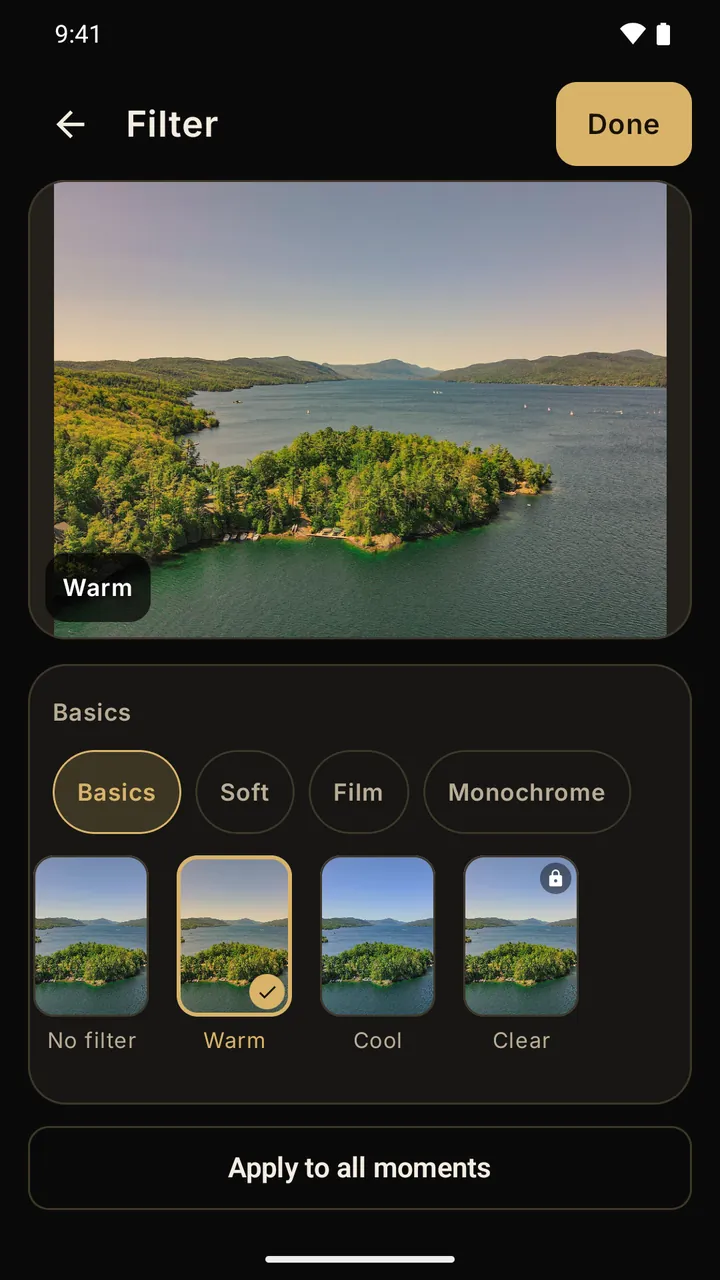
- 12 looks, from “Warm” to “Noir”.
- Transitions
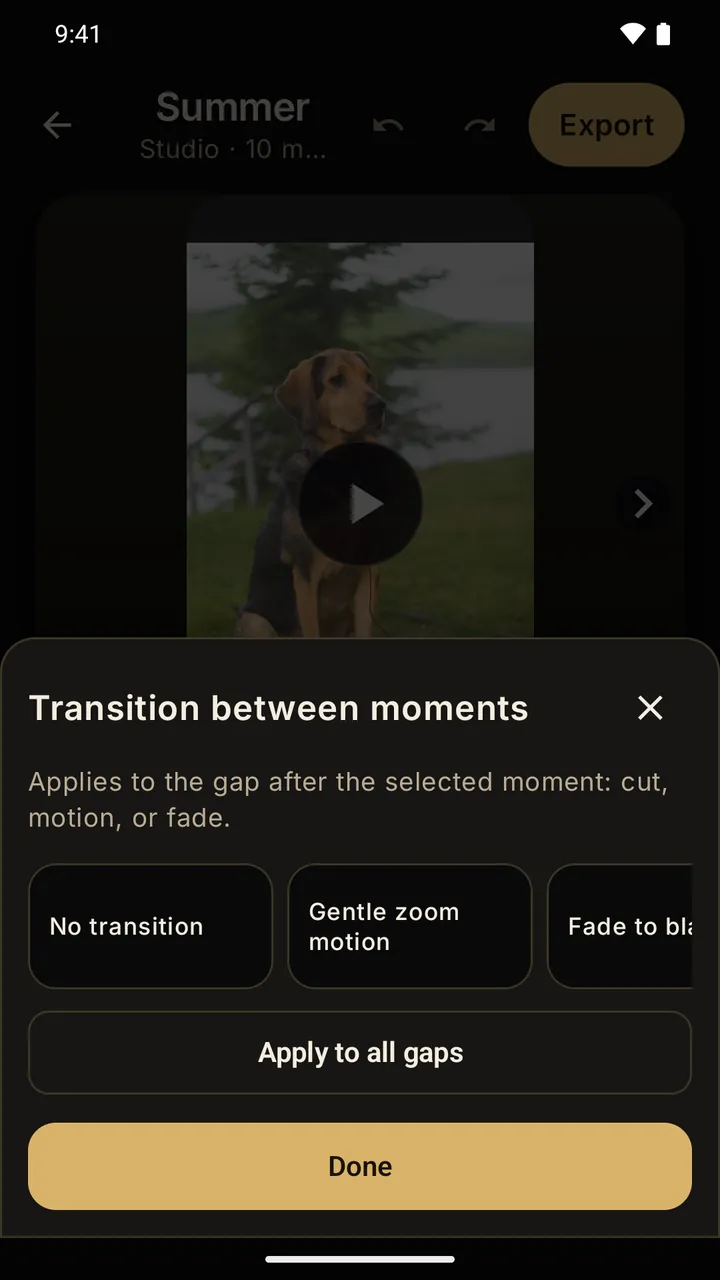
- Six styles, from fade to black to light leak.
- Speed
- Slow motion or faster. Only the music plays while it is on. Premium
- Formats
- Portrait 9:16, landscape 16:9 and square 1:1.
- Compressor
- Makes a smaller copy of a video or photo. The original is never overwritten.
- Backup
- Save projects as a ZIP file and import them on a new phone.
- Camera
- Photo and video in the app, with auto-stop and self-timer.
Privacy
What Nolivi is allowed to do on your phone
You can check this yourself: Android lists the permissions under Settings › Apps › Nolivi › Permissions.
- Camera
- Only while you record in the app.
- allowed
- Microphone
- For sound when recording video.
- allowed
- Notifications
- Shows the progress of an export.
- allowed
- Internet
- Nolivi cannot send anything to the internet itself.
- none
- Location, contacts, storage
- You pick photos in the Android picker.
- none
Edited on your phone
Your photos and videos are edited and exported on the device. We never see them.
No account, no cloud, no tracking
You don't sign up anywhere. No analytics, no advertising ID, no crash reports sent to us.
Your phone only needs the internet to install, update and buy through Google Play. If you save a backup to a cloud folder, that service uploads the file under its own rules.
Free and Premium
The basics are free
Premium adds extras. Everything you need for a story works without it.
Free
Everything to record, trim and export.
- Camera, trimming, text, music
- 3 filters, 4 transitions, 3 fonts
- Backup and compressor
- HD export with a small Nolivi mark
- Up to 4 projects
Premium
More looks and full resolution.
- All 12 filters, all 6 transitions, all 6 fonts
- Speed: slow motion and faster
- Full HD export without the mark
- Up to 20 projects
Questions
Frequently asked
Does Nolivi need the internet?
No, not for recording, editing, exporting or compressing. Nolivi has no internet permission at all. Installing, updating and buying through Google Play need an internet connection on your phone.
Where do my finished videos go?
To your gallery. Projects and clips stay inside the app on your phone.
How do I move my projects to a new phone?
Create a backup in Nolivi's settings. It is a ZIP file you save wherever you like and import on the new phone.
Which languages does Nolivi speak?
German, English, French, Spanish, Russian, Japanese, Korean and Turkish. You can choose the language in the app, independent of your phone.
Status
Android, in 8 languages. Nolivi is currently in closed testing on Google Play. The public launch is planned for May 2027 at the earliest.
I develop Nolivi with AI: the AI writes code and automated tests, I set the direction, approve every step and check every version on real devices.
Join the test
Have an Android phone and want to try Nolivi before launch? Write to me at nolivi@scheglovlabs.de. The same address works for questions and feedback.