Demo in your browser
Try Nolivi.
This is a recreation of the app built from its real texts, colors and filters. Tap through it like on your phone. Everything stays in your browser.
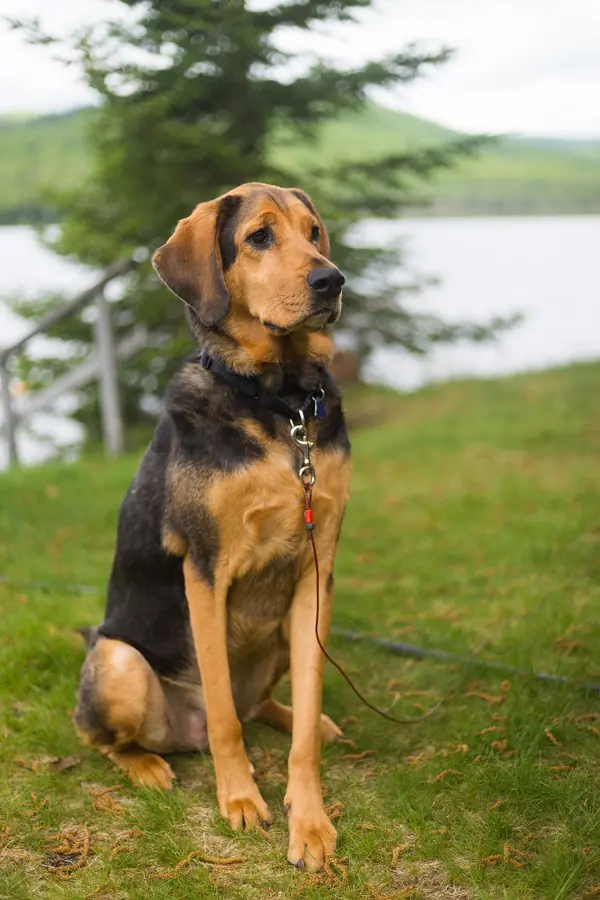
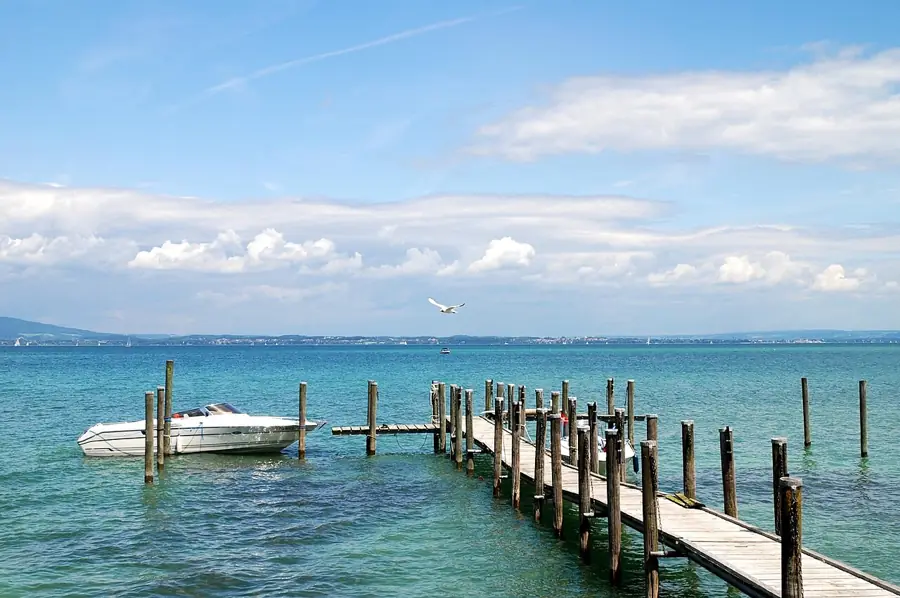
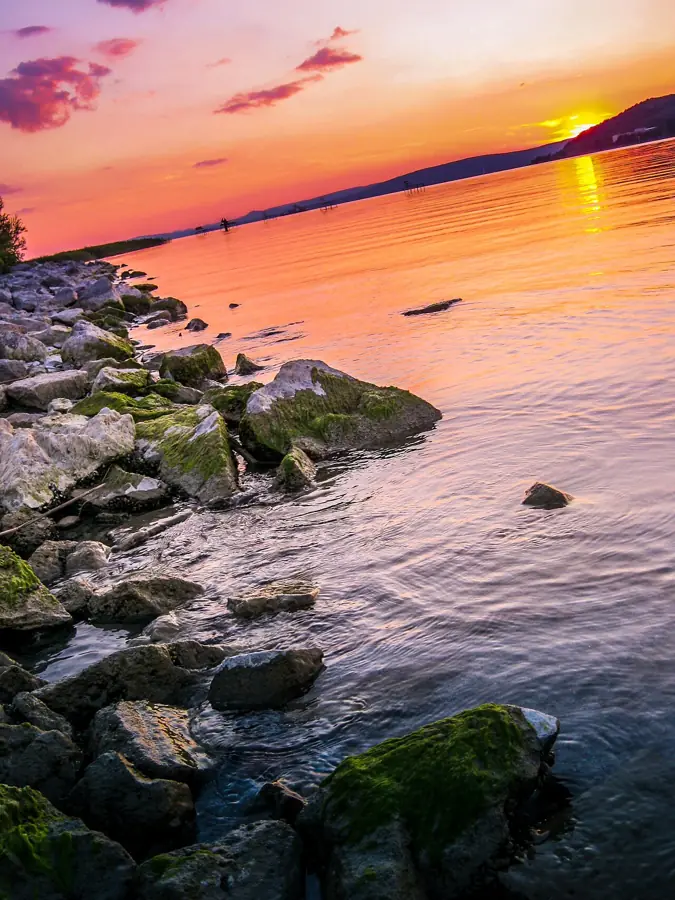
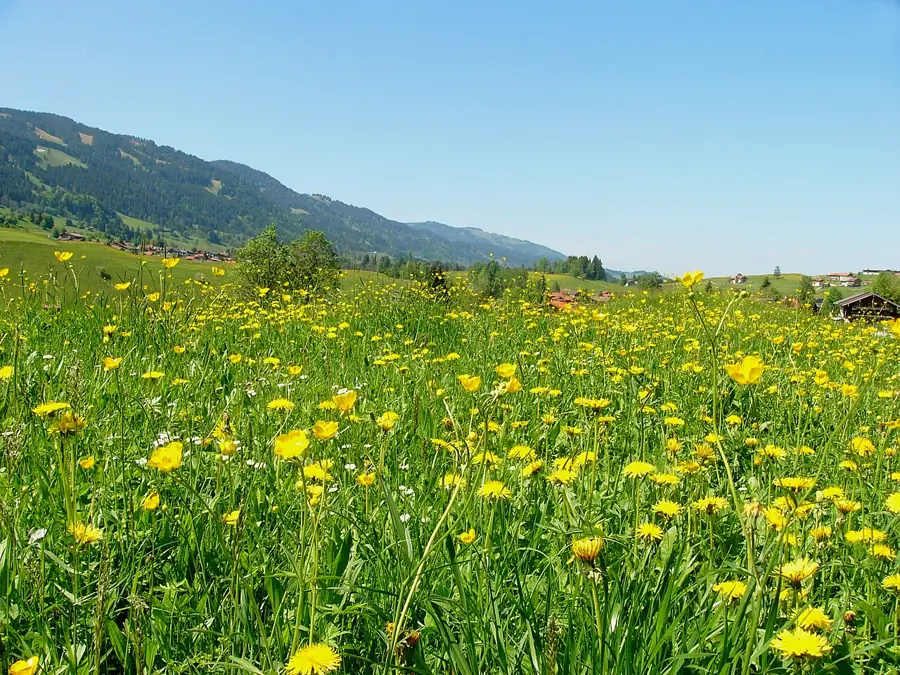
- “Continue” opens the studio with six sample photos.
- Try text, filter, duration, transition and reorder, then ▶ for the preview.
- The gear at the top of the home screen opens the settings: light or dark, accent color, large text.
Not in the demo: camera, your own photos, music and creating the video. Only features without Premium can be used. Sample photos are public domain (CC0 / Public Domain).
Welcome,
LAST EDITED
YOUR PROJECTS
All

PROJECT REEL
Tip: press and hold a tile, then drag to reorder.
Shown for:
Basics
Soft
Film
Monochrome
 Summer6 moments
QUALITY
Originals remain unchanged.
Accent color
Font
Applies to the gap after the selected moment: cut, motion, or fade.
This is where the story ends. Motion or a fade-out work here — cross-fades need a following moment.
Applies to the gap after the selected moment: cut, motion, or fade.
This is where the story ends. Motion or a fade-out work here — cross-fades need a following moment.
Applies to the gap after the selected moment: cut, motion, or fade.
This is where the story ends. Motion or a fade-out work here — cross-fades need a following moment.
Applies to the gap after the selected moment: cut, motion, or fade.
This is where the story ends. Motion or a fade-out work here — cross-fades need a following moment.
Applies to the gap after the selected moment: cut, motion, or fade.
This is where the story ends. Motion or a fade-out work here — cross-fades need a following moment.
Applies to the gap after the selected moment: cut, motion, or fade.
This is where the story ends. Motion or a fade-out work here — cross-fades need a following moment.
Recording only works in the app. The camera runs right on your phone.
In the app, this is where you pick photos and videos from your gallery. The demo uses fixed sample photos.
In the app, the compressor makes a smaller copy of a video or photo. The original is never overwritten.
In the app, this adds more photos and videos from your gallery.
In the app, this is where you pick your own music from your phone, with start point and volume.
In the app, this saves the selected moment as a video of its own.
In the app, this removes the selected moment. In the demo, all moments stay.
In the app, this lets you select several moments and move them together.
In the app, your video is now created right on your phone, without internet. The demo does not create a video.
In the app, you back up your projects as a ZIP file and restore them on a new phone.
In the app, deleted projects stay in the trash for 30 days and can be restored.
The app speaks 8 languages. This demo is available in German and English.
In the app, this lists the licenses of the open-source components it uses.
Premium unlocks extras in the app: Full HD without the Nolivi mark, more looks, fonts and transitions, speed and 20 projects. The demo only shows the features without Premium.
The special color looks are Premium – beautiful for your memories. The demo only shows the features without Premium.
Script and more fonts are Premium. The demo only shows the features without Premium.
This transition is Premium. The demo only shows the features without Premium.
The story preview starts instantly, with no preparation step. If this device runs into trouble, the app automatically switches back to the proven prepared preview.
Calms constant motion such as the gentle image drift in the studio. Everything works the same — helpful if animations bother you.